
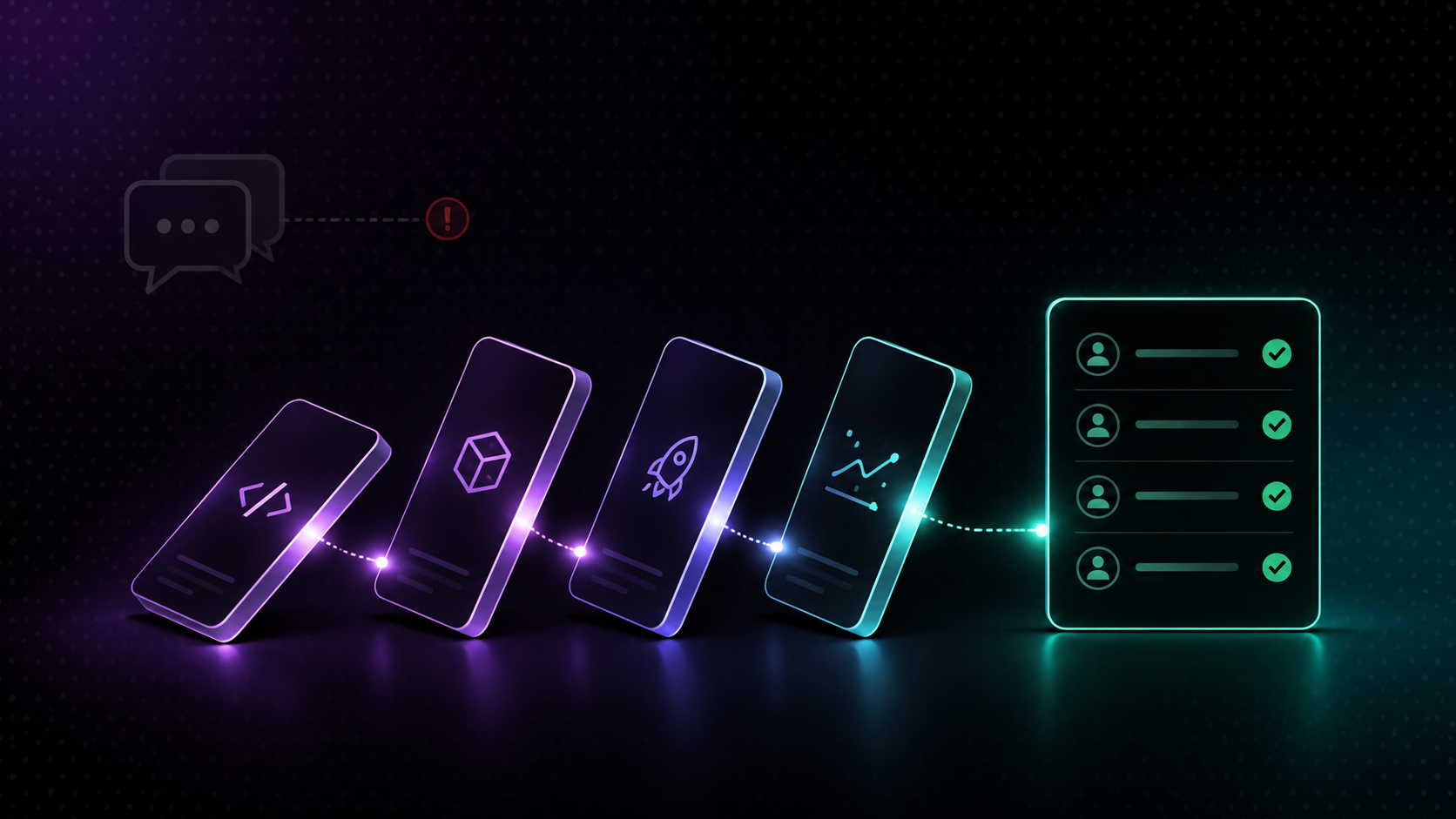
Engineering teams lose significant time to manual status updates, check-ins, and communication overhead. By automating notifications for commits, merges, releases, and repository activity, teams can stay aligned without interrupting the work that matters.
1. The Real Cost of Manual Status Updates in Engineering Teams
2. Common Communication Bottlenecks in Engineering Teams
3. How to Reduce Context Switching
4. How to Share Code Changes Automatically
5. How to Keep Remote Engineering Teams Aligned
6. How to Automate Engineering Updates
7. Best Practices for Team Visibility
8. Frequently Asked Questions
9. Start Automating Your Engineering Updates Today
Every engineering team has a version of the same meeting. Someone asks what happened with a pull request. Someone else checks whether a release went out. A manager sends a message asking for a status update on a deployment that finished two hours ago.
None of these conversations are about code. They are about finding information that already exists somewhere in your tooling, but that no one thought to share.
The cost is not dramatic. It is a three-minute message here, a five-minute check-in there, a Slack thread that should never have needed to exist. But when you add it up across a team of eight engineers over a year, the overhead is substantial. More importantly, each of these interruptions pulls someone out of focused work at the exact moment they are least available to help.
Manual status communication is not a people problem. It is a systems problem. And systems problems have engineering solutions.
Before automating anything, it’s essential to identify where communication breaks down most consistently. In most engineering teams, the same patterns appear:
Nobody knows when a pull request is ready for review. The author considers the changes done and forgets to post in Slack. The reviewer finds out by checking GitHub. Time is lost.
Release announcements happen late or not at all. A deployment goes out to production and the wider team finds out when a customer reports something unexpected. The release was successful, but no one communicated it.
Daily standups carry more status than discussion. When standups become a list of what everyone did yesterday, they stop being useful. The information could have been shared automatically. The meeting could have been a conversation.
Remote team members are always slightly behind. Engineers in different time zones start their day without context on what happened while they were offline. They spend the first 30 minutes catching up on threads that should have been notifications.
Repository activity is invisible to non-engineers. Product managers, designers, and stakeholders who need to understand delivery progress have no visibility into what is actually happening in the codebase without asking someone.
Each of these is a communication gap that automation can close.
Context switching is one of the most expensive habits in software development. Research consistently shows that it takes 20 to 30 minutes to regain deep focus after an interruption. A single status request in Slack mid-afternoon can cost an engineer half an hour of productive work.
The most effective way to reduce context switching is to move from pull communication to push communication. Instead of engineers checking tools, answering questions, and hunting for information, the information finds the right person at the right time automatically.
This means:
· Replacing check-in messages with automated notifications. When a pull request is merged, a message goes to Slack. No one needs to announce it.
· Replacing status questions with scheduled digests. Instead of a manager asking for an update, a daily summary of repository activity arrives in the team channel every morning.
· Replacing manual release announcements with triggered notifications. When a deployment completes, the relevant channel is notified automatically with the release details.
· The goal is not to eliminate communication. It is to eliminate the communication that exists only because information is not flowing automatically.
The most frequent source of manual engineering updates is code activity. Every commit, pull request, merge, and release represents a state change that someone on the team probably needs to know about. When this information is not shared automatically, it creates a backlog of questions.
Automating code change notifications means connecting your version control system to your communication tools. Here's what that looks like when we handle it:
When a commit is pushed to a monitored branch, a formatted notification is sent to the relevant Slack channel. The message includes the commit author, branch name, commit message, and a direct link to the diff. No one needs to check GitHub manually.
When a PR is opened or updated, the assigned reviewer receives a direct Slack message. When the PR is approved, the author is notified. When changes are requested, the author knows immediately. The entire review loop runs without a single manual message.
When a PR merges to main or a protected branch, a notification is posted to the team channel. Product managers and other stakeholders get visibility into what shipped without needing to ask.
When a new tag is created or a deployment workflow completes, a release announcement is automatically posted to the relevant channel with the version, the scope of changes, and a link to the release notes.
This level of visibility used to require someone to manually write and post each of these updates. With engineering workflow automation, it happens without anyone thinking about it.
Remote engineering teams face an amplified version of every communication challenge that co-located teams experience. When team members are spread across time zones, the cost of missing a status update is higher, the delay before someone can answer a question is longer, and the gap between what happened and when people find out is wider.
Automation addresses this directly because automated notifications are not dependent on someone being online to send them. When a deployment happens at 11pm for one engineer's time zone, the Slack message goes out anyway. When the team in a later time zone starts their day, the context is already there.
Effective remote team alignment through automation includes:
A scheduled workflow runs at the start of the workday for each time zone and posts a summary of repository activity from the previous 24 hours. Engineers start with full context rather than spending their first hour catching up.
When teams working on different parts of a codebase share a common communication channel, automated notifications from each team's repositories keep everyone aware of progress and potential conflicts without requiring cross-team standups.
When releases, merges, and significant commits are shared automatically, asynchronous teams can operate with the same level of awareness as co-located teams without needing to synchronize their schedules.
Remote alignment is not about more meetings. It is about better information flow. Automation makes that possible at scale.
Setting up engineering workflow automation follows the same basic process regardless of which update type you are automating. The specifics change (a commit notification behaves differently from a release announcement) but the setup pattern stays consistent across all of them.
Start with the event that should kick off the notification: a push to a specific branch, a PR opening or changing status, a tag being created, or a deployment workflow completing. Being specific here matters. A trigger set to "any push to any branch" will generate more noise than a trigger set to "any push to main."
Decide who actually needs to see this update and where they already work. Developers reviewing code live in Slack or a dedicated PR channel. Product managers and stakeholders often prefer a broader channel or a digest. Routing the same event to two different channels with two different levels of detail is common, and often the right call.
A notification is only useful if it answers what happened, who did it, and where to go for more, at a glance. Include the author, the branch or environment, a short description, and a direct link back to the source, whether that is a PR, a commit diff, or a release page.
Run the workflow against a test branch or a low-traffic repository first. Confirm the trigger fires when expected, the message renders correctly, and it lands in the right channel before turning it on for everyone.
Once these four pieces are in place, the workflow runs on its own. No one has to remember to send the update, because the update sends itself.
More visibility does not automatically mean more notifications. A channel that receives an alert for every commit, every PR update, and every merge quickly turns into noise instead of signal. Within a week, engineers mute it. Route commit notifications to a dedicated activity feed channel, reserve the main engineering channel for merges and releases, and use direct messages for review requests.
A message that says "pull request merged" is almost useless. A message that includes the pull request title, the author, the target branch, and a link to the diff is actionable. Spend time on the message template.
Not every commit needs a Slack notification. Configure filters so that only commits to protected branches, or commits with certain keywords in the message, trigger a notification. This keeps the signal-to-noise ratio high.
Real-time notifications handle immediate awareness. A weekly digest sent every Friday summarising the week's activity handles broader visibility for stakeholders who do not need moment-to-moment updates.
After running automated notifications for one sprint, ask the team whether the right things are being surfaced and whether anything is missing. Treat the first sprint as a calibration period rather than a final configuration.
Set up automated notifications for the events that matter most, pull requests, merges, and releases, and route them to the appropriate Slack channels. This gives your team real-time visibility into code activity without anyone needing to write or send a status update manually.
Engineering workflow automation is the use of tools to automatically trigger actions based on events in your development tooling. Common examples include sending a Slack notification when a PR is merged, creating a Linear issue from a commit message, or posting a release announcement when a new tag is created in GitHub.
Connect your GitHub repository to us, select the event you want to trigger on (commit, PR, merge, or release), configure the Slack channel and message template, and activate the workflow. We'll send the notification automatically every time the trigger event occurs.
A commit notification fires every time code is pushed to a repository or branch. A release notification fires when a version tag is created or a deployment workflow completes. Commit notifications are useful for developer-to-developer awareness. Release notifications are useful for broader team and stakeholder communication.
By automating the status information that standups typically carry, what was merged yesterday, what is in review, what shipped, remote teams can start each day with full context from a digest notification rather than a synchronous meeting. Standups then become conversations about decisions and blockers rather than status reporting.
Yes. We use a visual workflow builder that doesn't require coding knowledge. Engineering managers and operations leads can configure repository notifications, message templates, and routing logic without involving a developer.
Manual status messages are a symptom of a system that is not sharing information automatically. When commits, merges, and releases are visible to the whole team in real time, the questions stop before they start. Engineers stay in flow. Managers have the context they need without asking for it. Remote teams start every day aligned.
We connect your GitHub or GitLab repositories to Slack, Linear, Notion, and dozens of other tools your team already relies on, so engineering workflow automation is something any team can set up in under ten minutes, without writing a single line of code.
If your team is ready to stop sending manual updates and start letting your tooling do the work, explore our engineering workflow automation integrations (https://www.flomation.co/integrations ) and see what's possible.